Introduction: The Hidden Bottleneck in Your Interactive Display
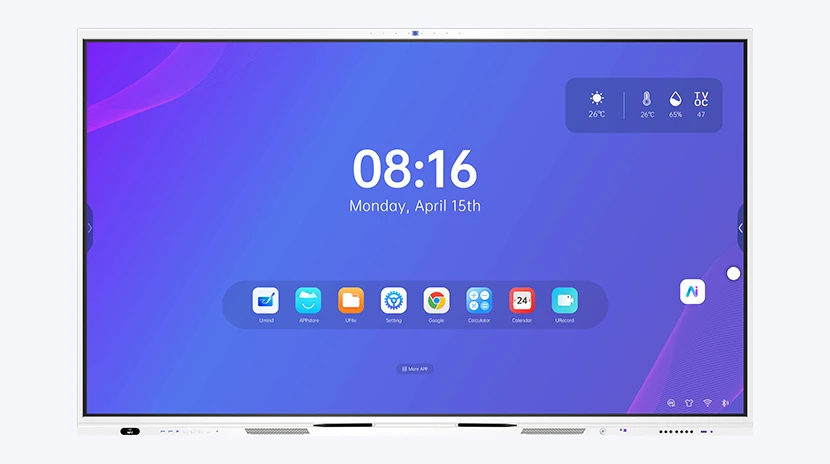
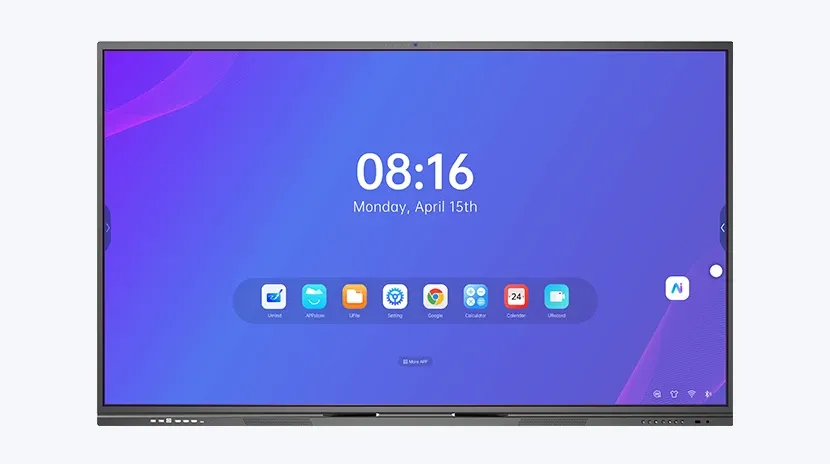
Your interactive flat panel is only as powerful as the compute module driving it. Many organizations invest heavily in large touchscreens, only to find that sluggish response times, limited storage, or outdated processors undermine the user experience. This is the pain point that a properly selected OPS module for interactive panel solves.
The Open Pluggable Specification (OPS) standard, developed by Intel, allows interactive displays to accept a removable, upgradeable computer module. Instead of replacing an entire panel when performance needs evolve, you simply swap the OPS module. For B2B buyers, this means lower total cost of ownership, simplified IT management, and future-proofed hardware.
At Riotouch, we design interactive flat panels with integrated OPS slots, ensuring seamless compatibility with a range of high-performance compute modules. This article explores why the OPS module matters, what to look for when purchasing, and how to maximize your investment.
What Is an OPS Module and Why Does It Matter?
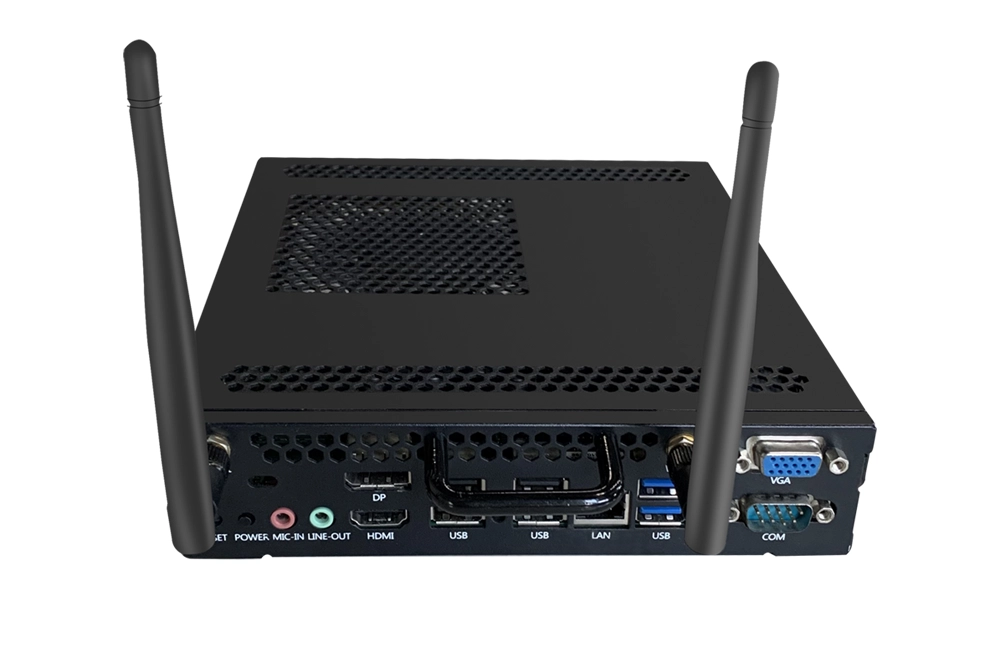
An OPS module is a compact, standardized computer that plugs directly into the back of an interactive flat panel or LED display. It houses the CPU, RAM, storage, and connectivity ports, turning a simple display into a fully functional touchscreen computer.
Key benefits include:
- Upgradeability: Replace only the module, not the entire panel, when performance requirements increase.
- Simplified installation: No external cables or separate PC boxes — the module integrates cleanly into the display.
- Enhanced security: Centralized IT management and the ability to run Windows, Android, or Linux operating systems.
- Space efficiency: Eliminates the need for a separate computer cart or wall mount.
According to industry data, organizations that adopt OPS-based interactive panels reduce hardware refresh costs by up to 40% over a five-year cycle, compared to replacing entire displays.
Key Specifications to Evaluate in an OPS Module for Interactive Panel
Not all OPS modules are created equal. When sourcing for your next deployment, consider these critical factors:
Processor Performance
Choose between Intel Core i3, i5, i7, or even i9 processors depending on your workload. For basic annotation and presentation, an i3 suffices. For video conferencing, 4K rendering, or demanding software, opt for i5 or higher. Riotouch panels support OPS modules up to 11th Gen Intel processors, ensuring smooth multitasking.
Memory and Storage
Minimum 8GB RAM is recommended for most business and education environments. 16GB or 32GB is ideal for heavy multitasking. Storage should be SSD-based for speed — 128GB minimum, with 256GB or 512GB for storing large media files or applications.
Connectivity and Ports
Look for modules with HDMI output, USB 3.0, Ethernet, and Wi-Fi. Some advanced modules include RS232 for control systems or GPIO for interactive kiosks. Ensure the module matches the OPS slot standard (typically OPS or OPS-C) of your display.
Thermal Management
Interactive panels often run for 8–12 hours daily. A poorly cooled OPS module can throttle performance or fail prematurely. Riotouch modules feature active cooling with low-noise fans and aluminum heatsinks.
How OPS Modules Enhance Collaboration and Productivity
In modern classrooms and boardrooms, the interactive panel becomes the hub of collaboration. With a powerful OPS module, users can:
- Run video conferencing platforms like Zoom, Microsoft Teams, or Google Meet natively.
- Access cloud-based whiteboarding tools with zero latency.
- Display 4K content without stuttering.
- Connect peripherals such as document cameras, microphones, and wireless presentation systems.
A study by Frost & Sullivan found that organizations using interactive panels with integrated OPS modules reported a 30% improvement in meeting efficiency and a 25% reduction in IT support tickets related to video conferencing.
Practical Tips for Buying an OPS Module for Interactive Panel
Follow this buyer’s guide to ensure you select the right module for your needs:
- Verify compatibility: Confirm your interactive panel has an OPS slot and supports the module’s form factor (OPS vs. OPS-C).
- Match performance to use case: For light annotation, an i3/8GB module is fine. For video editing or heavy data visualization, invest in i7/16GB.
- Consider future needs: Choose a module with at least one generation ahead of current requirements.
- Check warranty and support: Ensure the module comes with at least a 3-year warranty and manufacturer support.
- Think about OS: Windows 10/11 Pro is standard for enterprise. Android-based modules are common for digital signage. Riotouch offers both options.
For large-scale deployments, request a sample module to test with your specific software stack before committing to bulk orders.
Why Riotouch OPS Modules Stand Out
Riotouch interactive flat panels are engineered with a dedicated OPS slot that supports hot-swappable modules. Our modules are rigorously tested for thermal stability, electromagnetic compatibility, and long-life operation. With options ranging from Intel Celeron to Core i9, we provide the flexibility to scale performance without replacing your display.
All Riotouch modules include:
- Pre-installed drivers for seamless plug-and-play.
- Compatibility with both Windows and Android operating systems.
- Robust metal enclosures for durability.
- Global certifications (CE, FCC, RoHS).
Call to Action: Upgrade Your Interactive Panel with Riotouch
Don’t let an underpowered compute module limit your interactive display’s potential. Contact Riotouch today to discuss your requirements and request a quote for our high-performance OPS modules. Our team will help you select the ideal configuration for your classroom, boardroom, or digital signage network.
Ready to future-proof your interactive panels? Reach out to Riotouch now.