DaisyOS
Products
Solutions
Support
About
Blogs
Get a Quote
SECURE · EFFICIENT · PERSONALIZED

UFreez — Redefine Your Lock Screen

One-Tap Lock · Auto-Lock · Black Screen Writing · Homework Board

One-tap lock, auto-idle lock, black-screen writing mode, and a built-in homework board. UFreez secures your display and makes it more useful for teaching.

One-Tap Lock Auto-Lock Black Screen Writing Homework Board Classroom Tool

UFreez in Action

See how UFreez secures your display, turns it into a blackboard, and lets you assign homework — all in one tool.

UFreez — Smart Lock Screen Overview
One-tap lock · Auto-lock · Black screen writing · Homework board
⏱ Product demo · 1min

▶ Watch UFreez in action

One-Tap & Auto Screen Lock

Black Screen Writing Mode

Homework Assignment Board

Built for Education & Enterprise

Designed for Every Display

From one-tap lock to black-screen writing and homework — UFreez turns every interactive display into a secure, focused, classroom-ready tool.
One-tap screen lock
Lock & Security

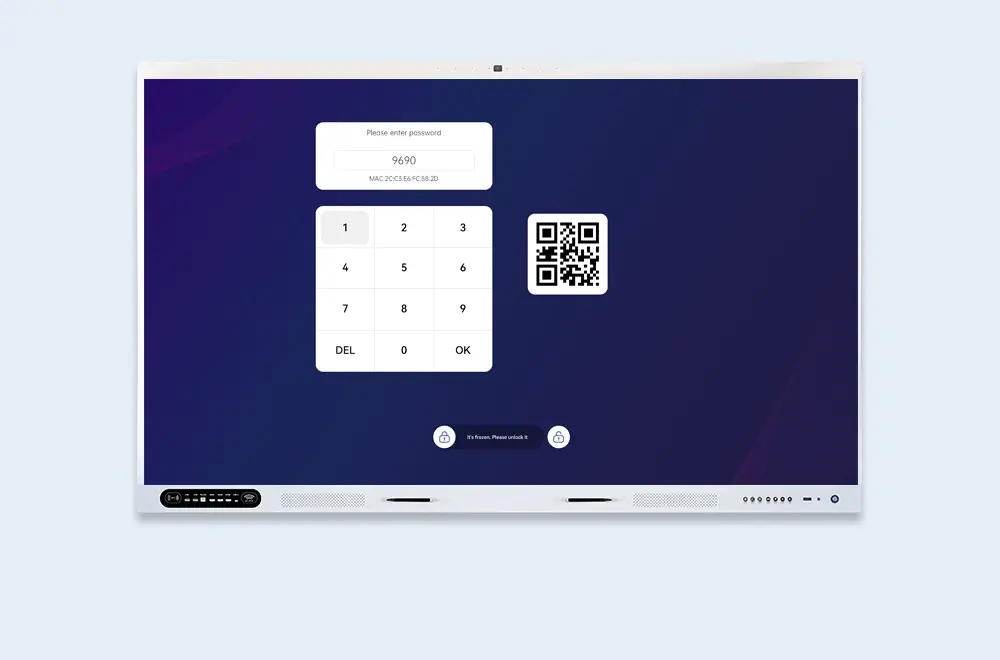
One-Tap Screen Lock

From any screen, lock instantly via shortcut key or the notification bar — protecting your current work and privacy in a single tap.

  • Shortcut — instant lock from notification bar
  • One-tap — lock anytime, anywhere
  • Privacy — protect your work instantly
Auto-lock after idle
Idle Timer

Auto-Lock After Idle

Set a custom idle timeout and UFreez locks the screen automatically — no manual action needed, keeping the shared display secure when left unattended.

  • Custom timeout — set your own idle duration
  • Auto-activate — locks when idle, no action needed
  • Zero friction — security without interrupting your flow
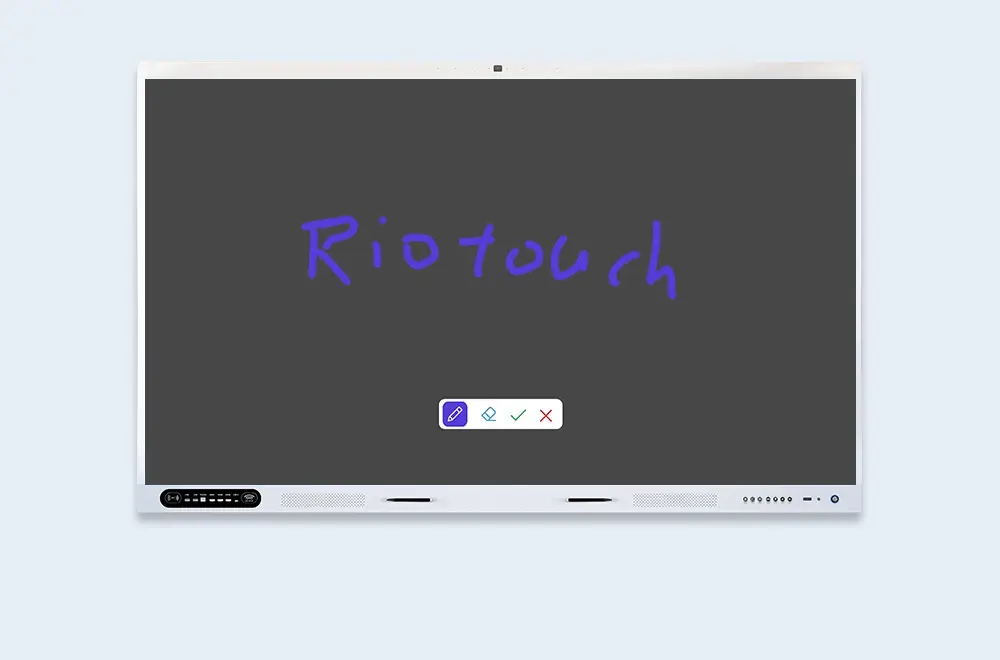
Black screen writing
Blackboard Mode

Black Screen Writing Mode

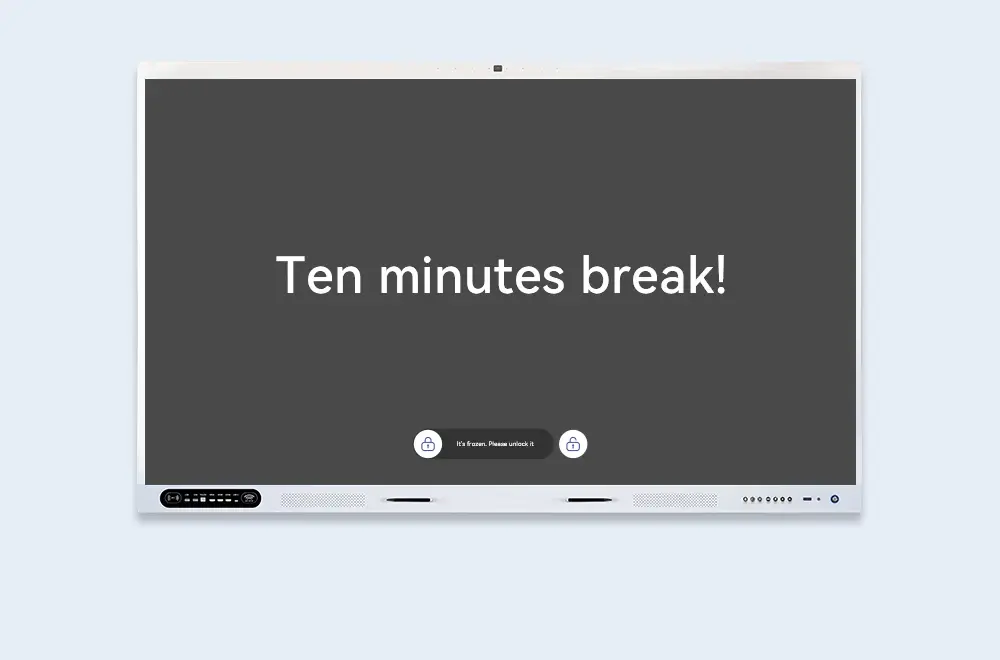
Switch the display to a fully black state and write on it like a traditional blackboard — backlight off, stylus on. Save energy, cut glare, and keep every eye on your content.

  • Full black state — screen goes dark, stylus still writes
  • Energy-saving — backlight off while you teach
  • Focus — no distraction, just your writing
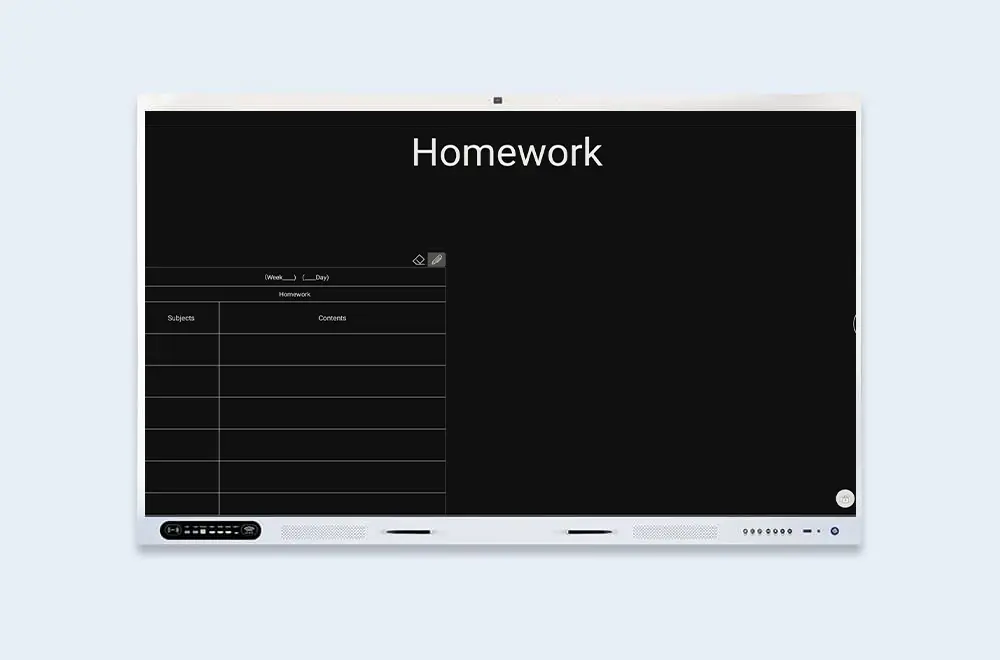
Homework board
Homework Mode

Black Screen Homework Board

A clean white input form appears on the black screen — type the day's homework assignments by hand, then display or export them for students to copy down.

  • White form on black — high-contrast, easy to read
  • Manual input — type assignments directly
  • Display or export — share with the whole class
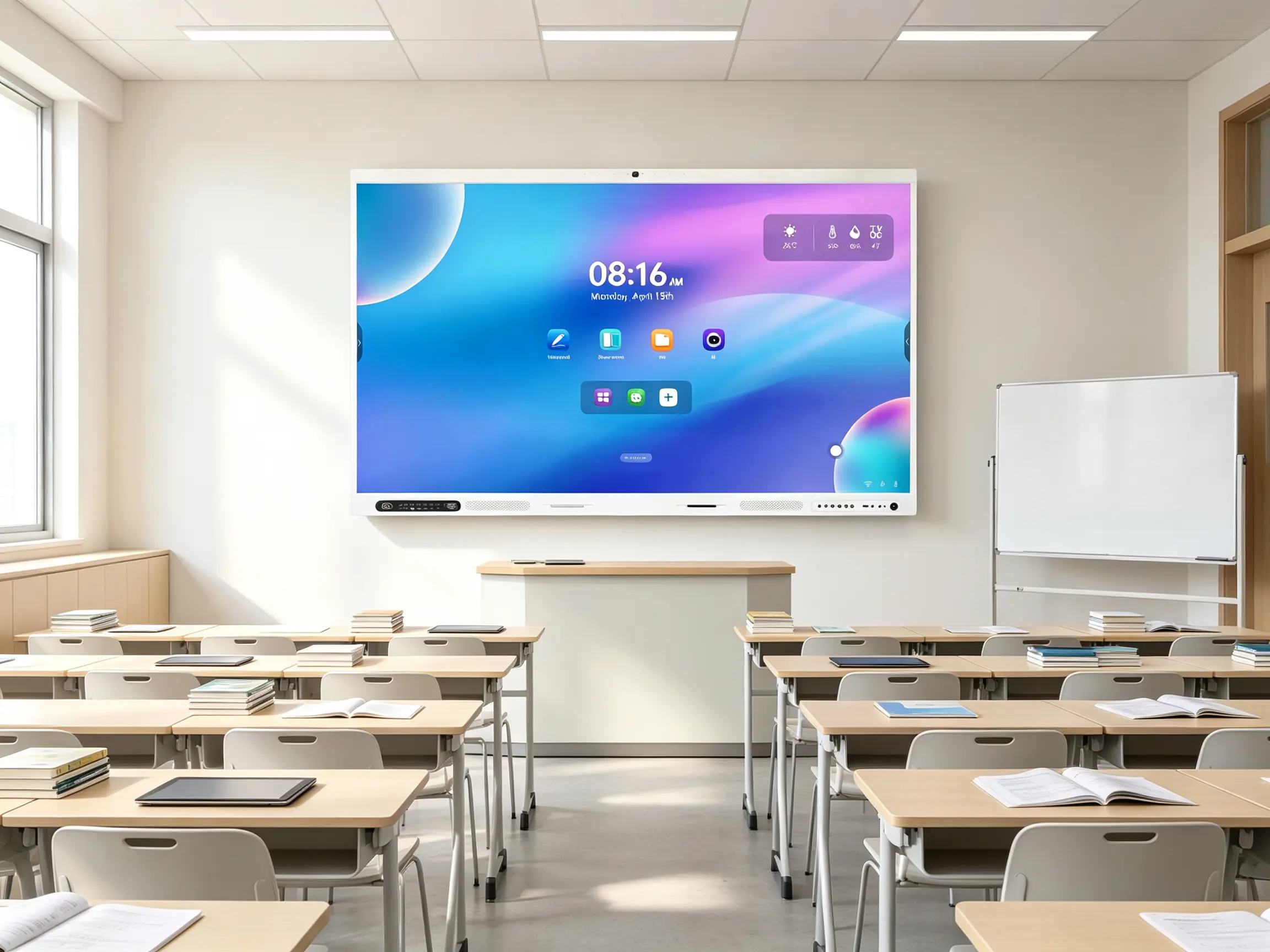
Built for Your Display

From K-12 classrooms to enterprise meeting rooms and public kiosks — UFreez fits the way your team works.

School using UFreez

Schools

Lock the display, switch to black-screen writing like a blackboard, and post homework assignments for students to copy.

Enterprise meeting room using UFreez

Enterprise Meeting Rooms

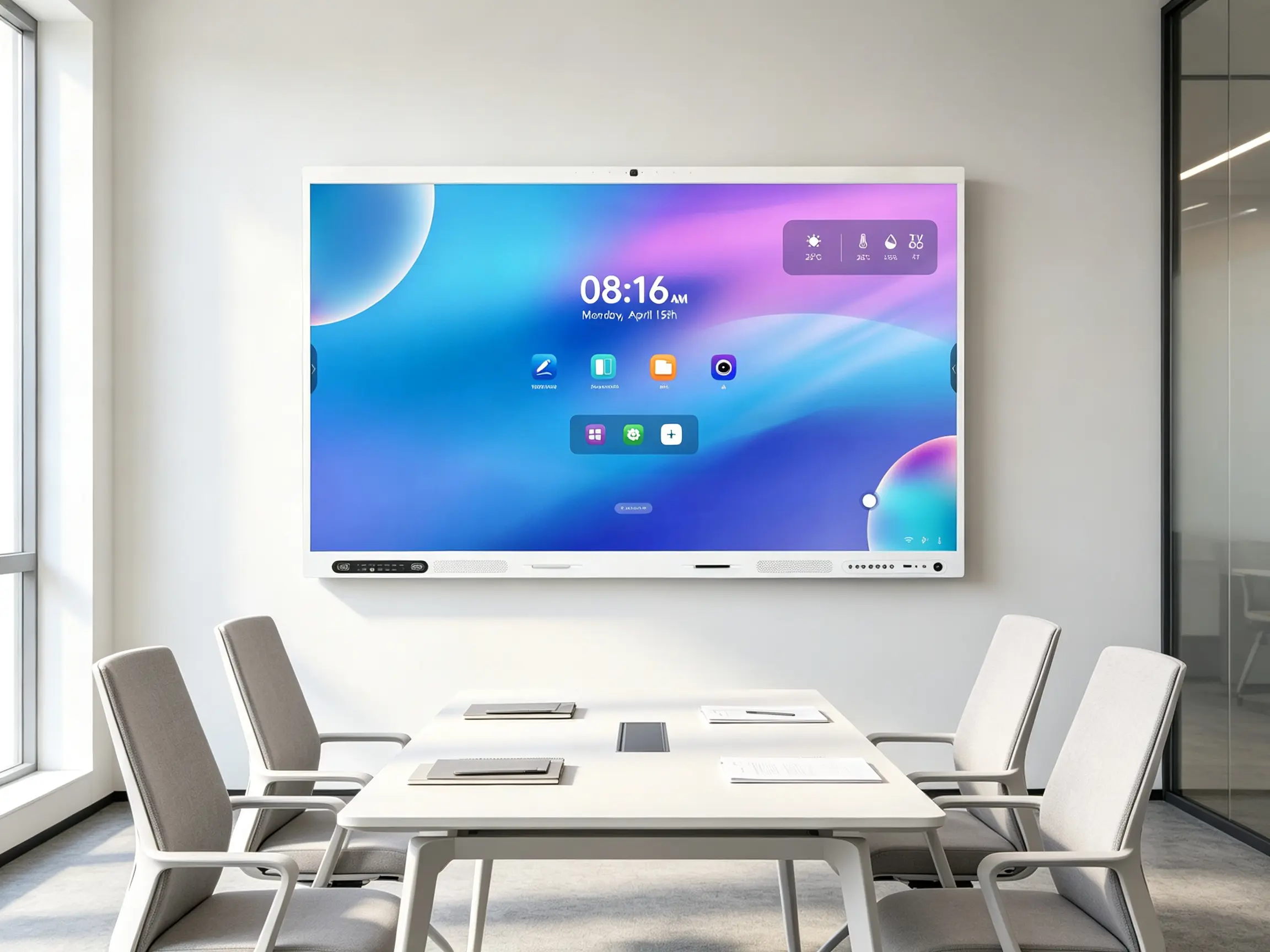
Auto-lock secures confidential content when the room is empty; black-screen mode keeps attention on the presenter.

Public kiosk using UFreez

Public Kiosks & Lobbies

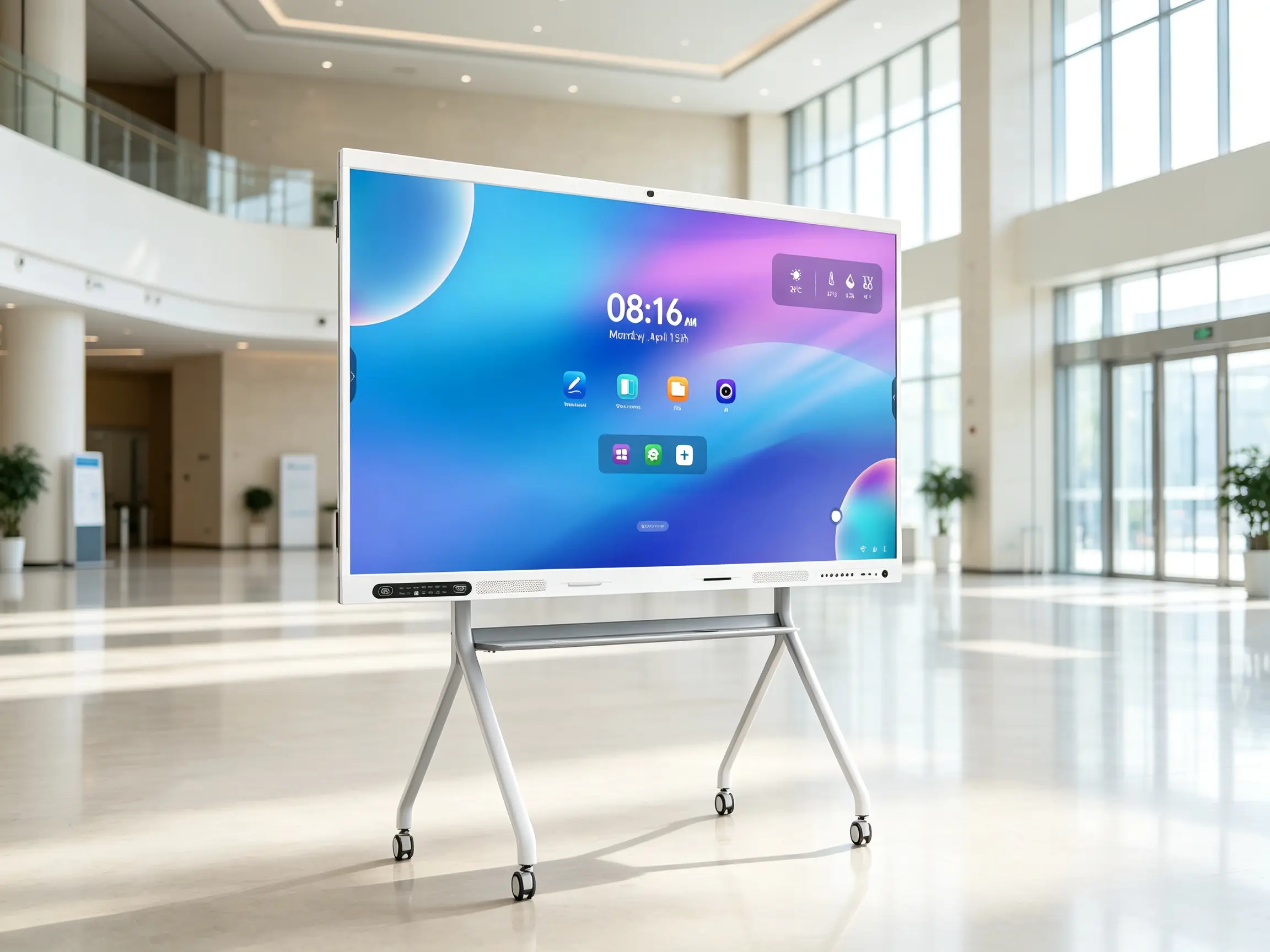
Auto-lock protects the display when unattended; one-tap lock for immediate security.

Frequently Asked Questions

Quick answers to common questions about UFreez.

No. UFreez runs natively on DaisyOS. Set a lock password and you're ready in minutes.
One-tap manual lock, auto-lock after a custom idle time, and lock on boot or wake from sleep.
Yes. The screen goes dark but the stylus still works — write, draw, and annotate just like on a traditional blackboard. No backlight, no glare, just your content.
A clean white input form appears on the black screen. Teachers type the day's assignments by hand, display them for students to copy, or export them for digital distribution.
📩 Request a Quote

Need a Solution That
Fits Your Project?

Tell us what you're looking for and we'll tailor a quote to your requirements — with pricing, lead time, and expert advice.

Headquarters5th Floor, Huihang High-tech Industrial Park, No. 9 Zhongnan Middle Road, Chang An Town, Dongguan City, Guangdong Province
Get Your Custom Quote
Fill out the form and we'll get back to you within 12 hours.
Quick InquiryGet a quote
✓ Sent! We'll reply within 4 hours.
Chat on WhatsAppReply in minutes